Why Your Post-Production Workflow Needs a NAS (And Why Speed Matters)
Why Your Post-Production Workflow Needs a NAS (And Why Speed Matters)
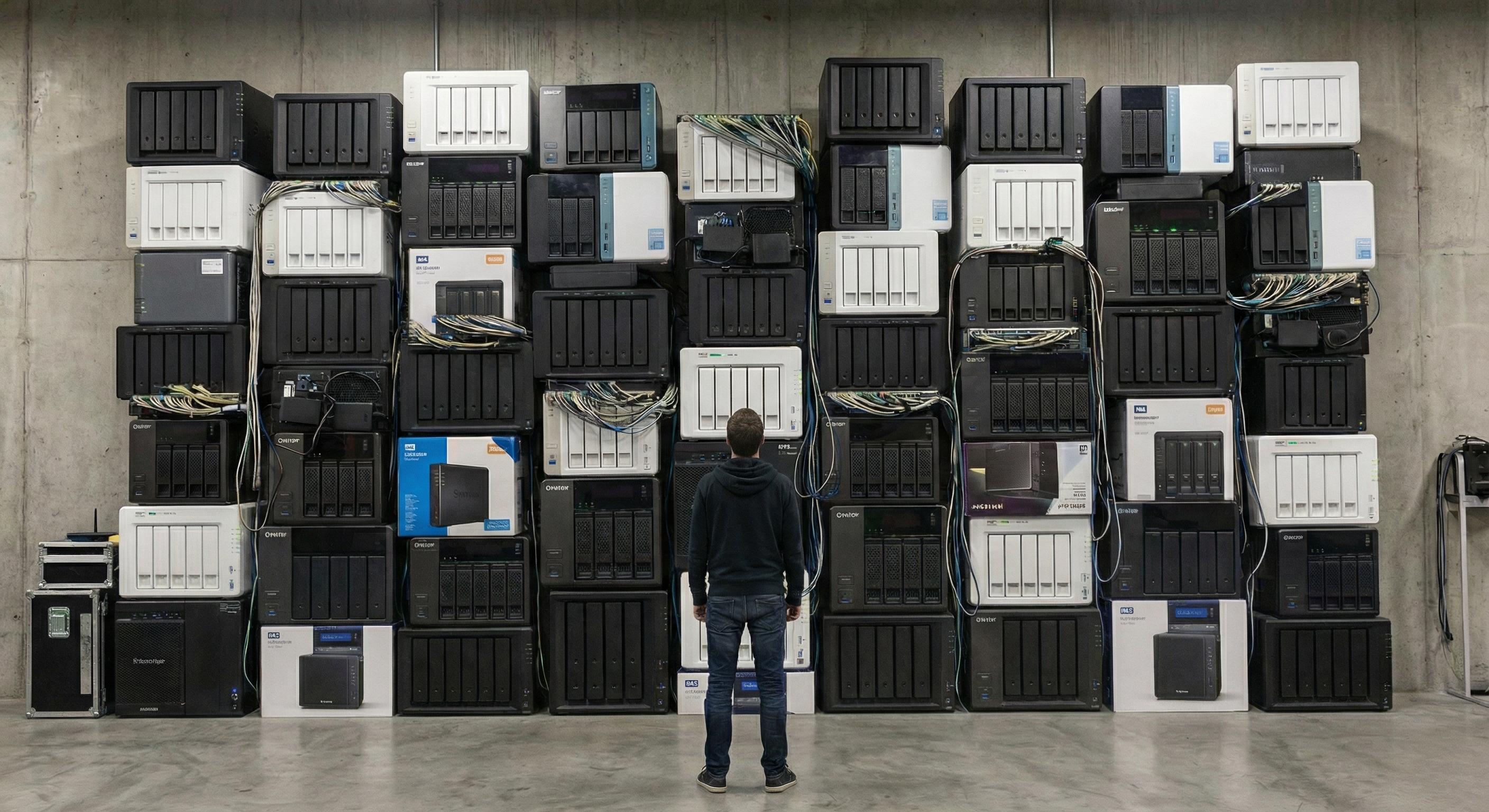
If you're still editing video projects off local scratch disks or cobbling together external drives, we need to talk. Network-attached storage (NAS) has completely transformed how we handle post-production workflows at Post Editor, and I'm here to tell you why it's not just "nice to have"—it's essential for any serious video production operation.
The Post-Production Bottleneck 🐌
Let's be real: modern video files are massive. We're talking 4K RAW footage, high-bitrate ProRes files, and multi-layer timelines that can bring even high-end workstations to their knees. The traditional workflow looked something like this:
1. 📦 Copy footage from cards to external drives 2. 💾 Transfer to editor's local scratch disk 3. ✂️ Edit on local storage 4. 🔄 Manually sync versions between team members 5. 🗄️ Archive to yet another external drive
Sound familiar? It's slow. It's fragile. And it doesn't scale.
Enter the NAS: Your Centralized Media Hub 🎯
A NAS is essentially a dedicated file server connected to your network, but calling it "just a file server" is like calling a Ferrari "just a car." Here's what makes NAS devices game-changing for post-production:
Centralized Storage ✅
All your media lives in one place. No more hunting through a drawer of external drives labeled "Client Project Aug 2023 FINAL v3 ACTUAL FINAL."
Collaborative Editing ✅
Multiple editors can access the same footage simultaneously. Your colorist can grade while your editor is cutting—no more waiting.
Automatic Redundancy ✅
With RAID configurations, your data is protected. One drive fails? No problem. Swap it out and keep working. Try doing that with a single external drive. 💪
Scalability ✅
Need more space? Add drives. No need to reorganize your entire archive or buy a completely new system.
Why 1GbE Isn't Cutting It Anymore 🚫
Most networks run on 1 Gigabit Ethernet (1GbE), which maxes out around 125 MB/s in the real world. That sounds decent until you realize:
- 4K ProRes 422 footage can hit 200+ MB/s - 6K or 8K RAW can exceed 400 MB/s - Multiple editors working simultaneously multiply that bandwidth
Translation: Your network becomes the bottleneck. Playback stutters. Scrubbing through timelines feels like moving through molasses. You're basically back to the scratch disk problem, except now you've added network lag into the mix. 😤
The 5GbE Sweet Spot 💚
5 Gigabit Ethernet (5GbE) is the sweet spot for most post-production environments. Here's why:
Speed That Actually Matters
- Real-world speeds: ~500-600 MB/s - Handles multiple 4K streams without breaking a sweat - Future-proofed for higher resolutions and bitrates
Cost-Effective Upgrade
- Uses standard Cat 6 cables (you probably already have them) - More affordable than 10GbE infrastructure - Compatible with most modern NAS devices
Real-World Example 📹
We recently cut a multi-cam 4K project with four simultaneous angles playing back in DaVinci Resolve—all running off the NAS over 5GbE. Zero dropped frames. Zero stuttering. Just smooth, responsive editing.
That's the difference.
When to Go 10GbE ⚡
10 Gigabit Ethernet (10GbE) is the professional standard when you need absolute maximum performance:
Who Needs It?
- 8K workflows or higher - High-bitrate RAW formats (RED, ARRI, Canon) - Large teams with 5+ simultaneous editors - VFX and compositing work with massive file sizes
The Numbers
- Real-world speeds: ~1,000-1,200 MB/s - Theoretical max: 1.25 GB/s - Can handle multiple 8K streams or dozens of 4K streams simultaneously
Infrastructure Investment
Yes, 10GbE requires more upfront investment—specialized network cards, switches, and sometimes Cat 6a or Cat 7 cabling. But if your projects demand it, the productivity gains pay for themselves fast.
NAS vs. Scratch Disks: The Showdown 🥊
Let's settle this once and for all:
Scratch Disks Pros:
- Fast local access ✅ - No network dependency ✅
Scratch Disks Cons:
- Isolated storage (can't collaborate) ❌ - No built-in redundancy ❌ - Manual backups required ❌ - Limited capacity ❌ - Doesn't scale ❌
NAS Pros:
- Centralized, shareable storage ✅ - Built-in redundancy (RAID) ✅ - Scalable capacity ✅ - Automated backups ✅ - Multiple editors can work simultaneously ✅ - Professional workflow organization ✅
NAS Cons:
- Requires network infrastructure ❌ - Higher upfront cost (but pays off) ❌
The Verdict: For solo editors working on simple projects, scratch disks might suffice. For anyone running a professional operation, NAS is non-negotiable.
Our Setup at Post Editor 🎬
We run a Synology DS1821+ with eight 8TB drives in RAID 6, connected via 10GbE to our editing suites. Here's what that gets us:
- ~50TB usable storage after redundancy - 1,000+ MB/s read/write speeds - Multiple simultaneous 4K/6K workflows - Automated nightly backups to a secondary NAS - Remote access for client reviews and WFH editors
The result? We can take on bigger projects, collaborate more effectively, and never worry about losing footage. That peace of mind alone is worth it.
Making the Switch: What You Need 🛠️
Ready to upgrade? Here's the shopping list:
The NAS
Entry Level: Synology DS923+, QNAP TS-464
Professional: Synology DS1821+, QNAP TVS-h874
Network Cards
5GbE: QNAP QXG-5G1T-111C (~$100)
10GbE: ASUS XG-C100C (~$150)
Network Switch
5GbE: Netgear MS510TXM (~$400)
10GbE: Netgear XS728T (~$1,500)
Cabling
Cat 6 for 5GbE (up to 100m)
Cat 6a or Cat 7 for 10GbE (recommended)
Drives
WD Red Plus, Seagate IronWolf
Minimum 4 drives for RAID 10 or RAID 6
The Bottom Line 💡
In post-production, time is money. Every minute spent waiting for files to transfer, every dropped frame during playback, every manual backup ritual—it all adds up.
A well-configured NAS with 5GbE or 10GbE isn't just faster storage. It's a productivity multiplier. It's the difference between struggling to keep up with client deadlines and confidently taking on larger, more complex projects.
Yes, there's an upfront investment. But when you factor in the time saved, the projects you can handle, and the peace of mind from redundant storage, it pays for itself faster than you'd think.
If you're serious about video production, it's time to upgrade. Your future self will thank you. 🙌
---
Questions about setting up a NAS for your workflow? Drop a comment or reach out—happy to help!